# Unused packages
* Remove New Input System if not used
* Clean Quality/Graphics settings
* Delete unused Unity packages
Unused Unity packages can add several megabytes to WebGL build even if the game does not use them.
**What to check first**
* Remove New Input System if your game uses only old Input → this package alone adds \~2.4 MB
* Delete packages that were added by default but not used:
* Visual Scripting
* XR / AR modules
* Analytics / Ads packages if not integrated
* If u use Cinemachine, remove it and use alternatives
* Clean Quality and Graphics settings - built-in features like shadows pull extra shaders into the build
**How to do**
* Open Package Manager and remove everything not required by gameplay.
* After removal, rebuild and test input, UI, and core mechanics.
**Example**
We use an empty Unity project to test changes step by step and clearly show how each setting affects the final WebGL build size
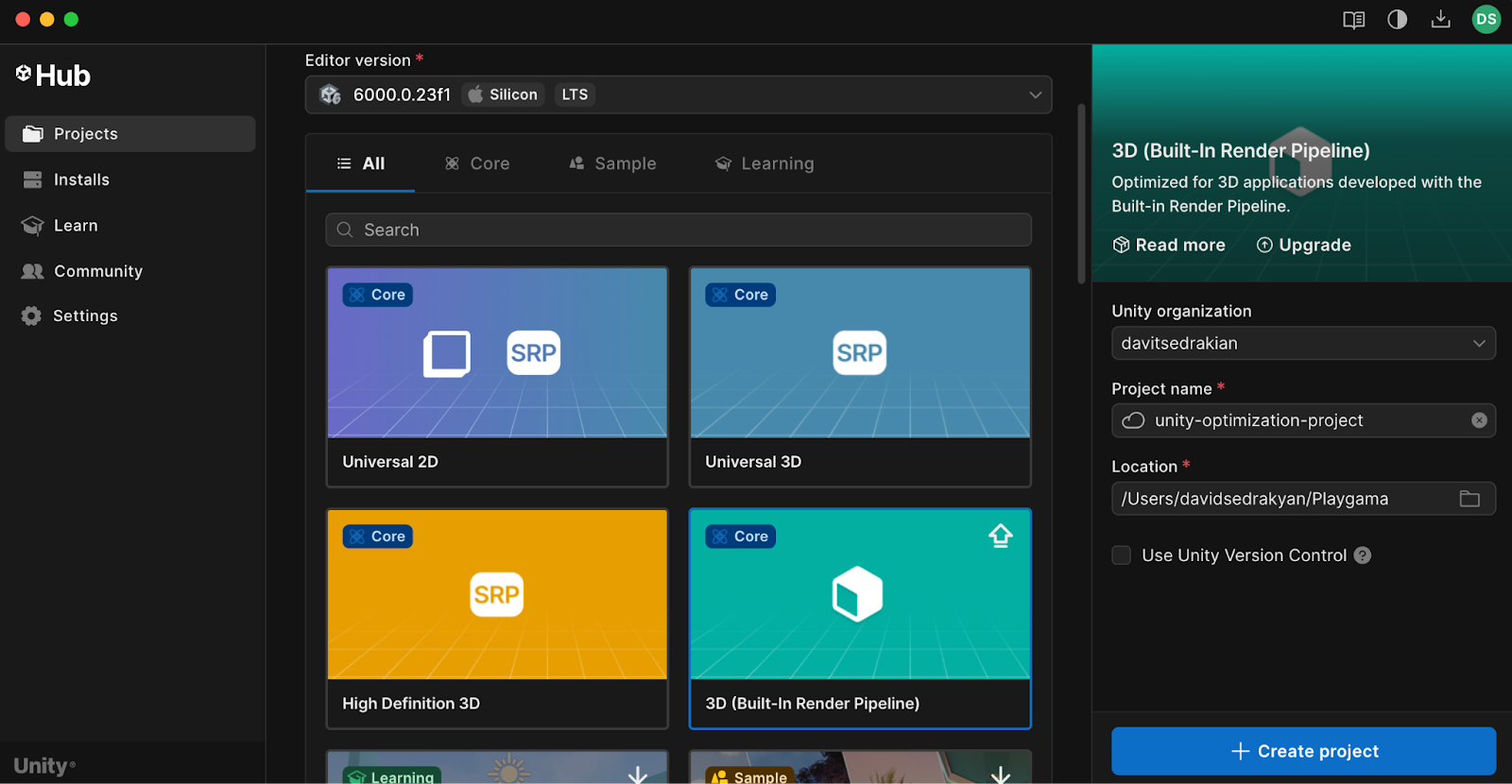
**Step 1:** Create an Empty Unity project for WebGL (we will use Unity 6000.0.23f1 + Built-In Render Pipeline)
**Step 2:** Switch platform to WebGL and make a build to check the default size
We can see that initial build is around 9.7 MB (which is quiet too much for WEBGL)
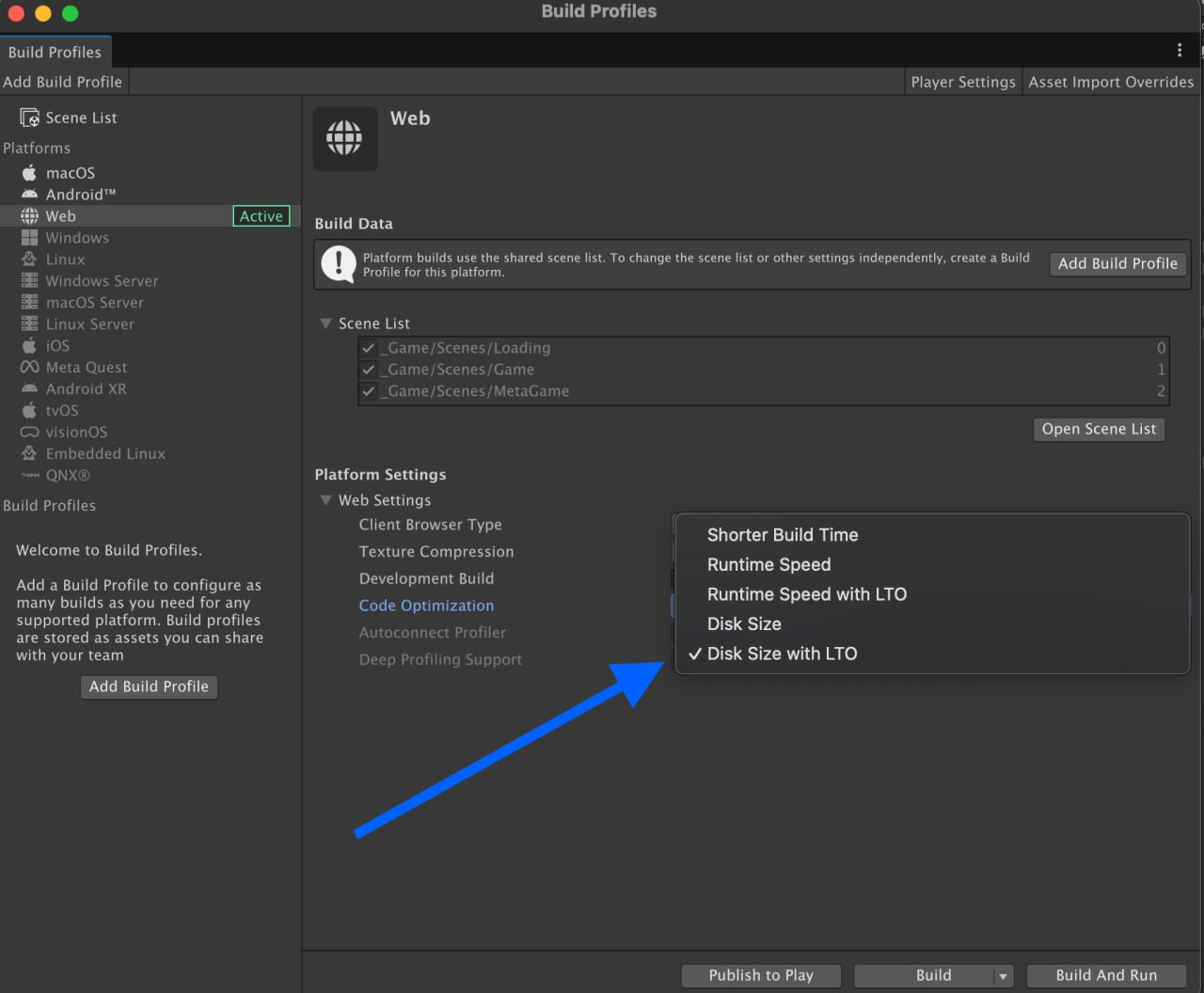
**Step 3:** First thing to do! Go to build settings and change “Code Optimization: Build Size with LTO”
We have already - Build size 9MB
**Step 4:** Go to Player Settings → set Compression: Brotli and enable Name files as hashes
Now it’s 6.8mb so we are already optimized unity build from 9.7mb to 6.8mb, let’s go further
**Step 5:** Now let’s change IL2CPP Code Generation to “Smaller Builds” and change C++ Compiler Configuration to Master
**Step 6:** Choose texture compression (ASTC / DXT / ETC2).\
Enable Crunch for textures when possible
**Step 7:** Set Color Space: Gamma if the game supports it (≈100 KB saving)
**Step 8:** Set Managed Stripping Level: High.\
Test the game after enabling - stripping may remove required code
Also enable texture mipmap stripping
**Step 9:** Remove unused features and packages
* Delete unused Unity packages
* Clean Quality and Graphics settings
* Disable built-in shadows if not required
New Input System adds **\~2.4 MB**.\
If the project does not use it, remove the package to reduce the build to \~2.2 MB.
So Finally we got from the initial **10MB** to **2.2MB**