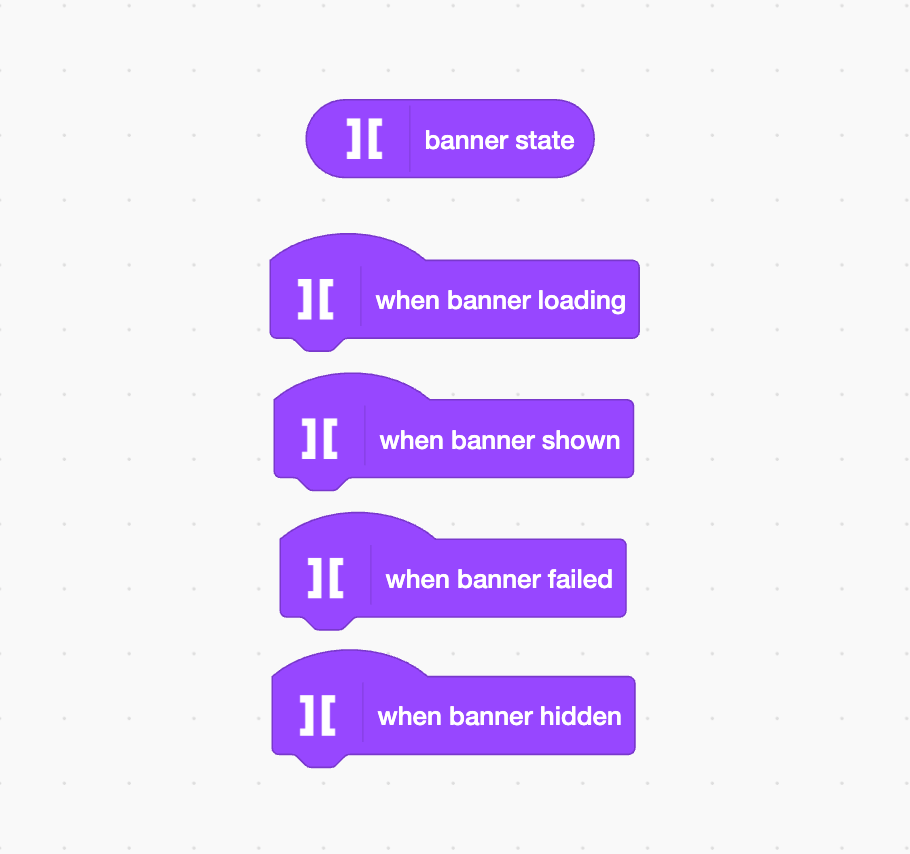
Banner
Banners are persistent ads pinned to the top or bottom of the screen. Use them on idle screens — main menu, lobby, pause overlay — and hide them during active gameplay.
When to use
You have a stable UI region where a banner won't overlap with controls.
You want medium-tier passive monetization without interrupting the player.
For more flexible placements (multiple banners, custom positions, responsive layouts) use Advanced Banners instead.
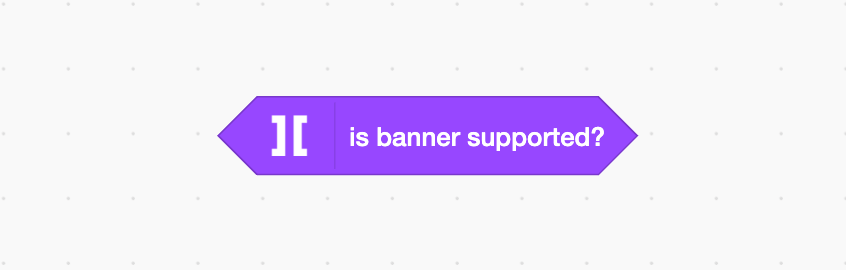
Is Banner Supported
Check this before reserving screen space or showing banner UI. Hide banner areas on platforms that do not support banners.
bridge.advertisement.isBannerSupported// Possible values: true, false
Bridge.advertisement.isBannerSupported

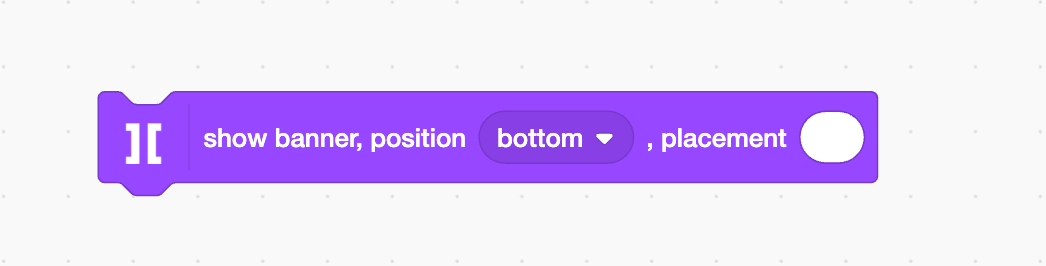
Show Banner
Show a banner in a stable UI area where it will not overlap gameplay controls.
let position = 'bottom' // optional, 'top' | 'bottom', default = bottom
let placement = 'test_placement' // optional
bridge.advertisement.showBanner(position, placement)private void Start()
{
var position = BannerPosition.Bottom; // optional, 'Top' | 'Bottom', default = Bottom
var placement = "test_placement"; // optional
Bridge.advertisement.ShowBanner(position, placement);
}Parameters:
Position
Top|BottomPlacement (optional)

Parameters:
Position (
top|bottom)Placement (optional)

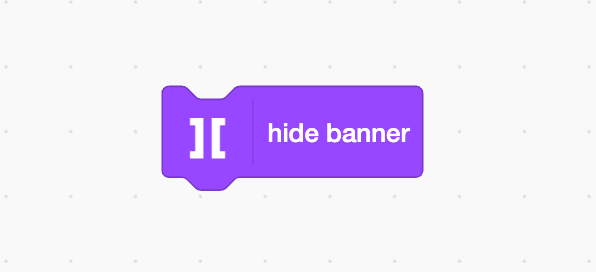
Hide Banner
Hide the current banner before gameplay resumes or when the screen no longer has safe space for it.


Banner State
Track banner state to adjust layout, avoid empty ad space, and debug failed loads.
Possible values: loading, shown, hidden, failed.
Possible values: Loading, Shown, Hidden, Failed.
Current state of the banner. Possible values: loading, shown, hidden, failed.
Current state of the banner. Possible values: loading, shown, hidden, failed.
Returns the current state of the banner. Possible values: loading, shown, hidden, failed.
Possible values: loading, shown, hidden, failed.
Possible values: loading, shown, hidden, failed.
Possible values: loading, shown, hidden, failed.